Windows · Windows 工具
FileTimeChanger
Batch modify file and folder timestamps with precision, including creation, modification, and access times, plus Explorer right-click integration.
Version
v2.0.0
Size
0.4 MB
Supported OS
Windows 10 / 11
License
Commercial / Free Trial
Overview & Features
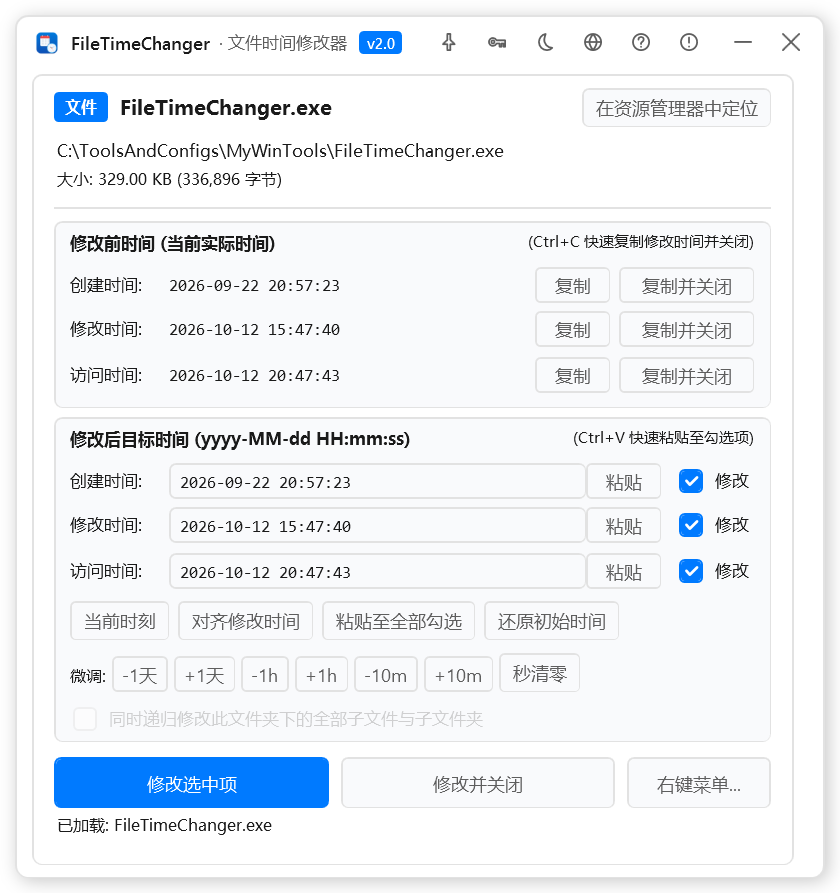
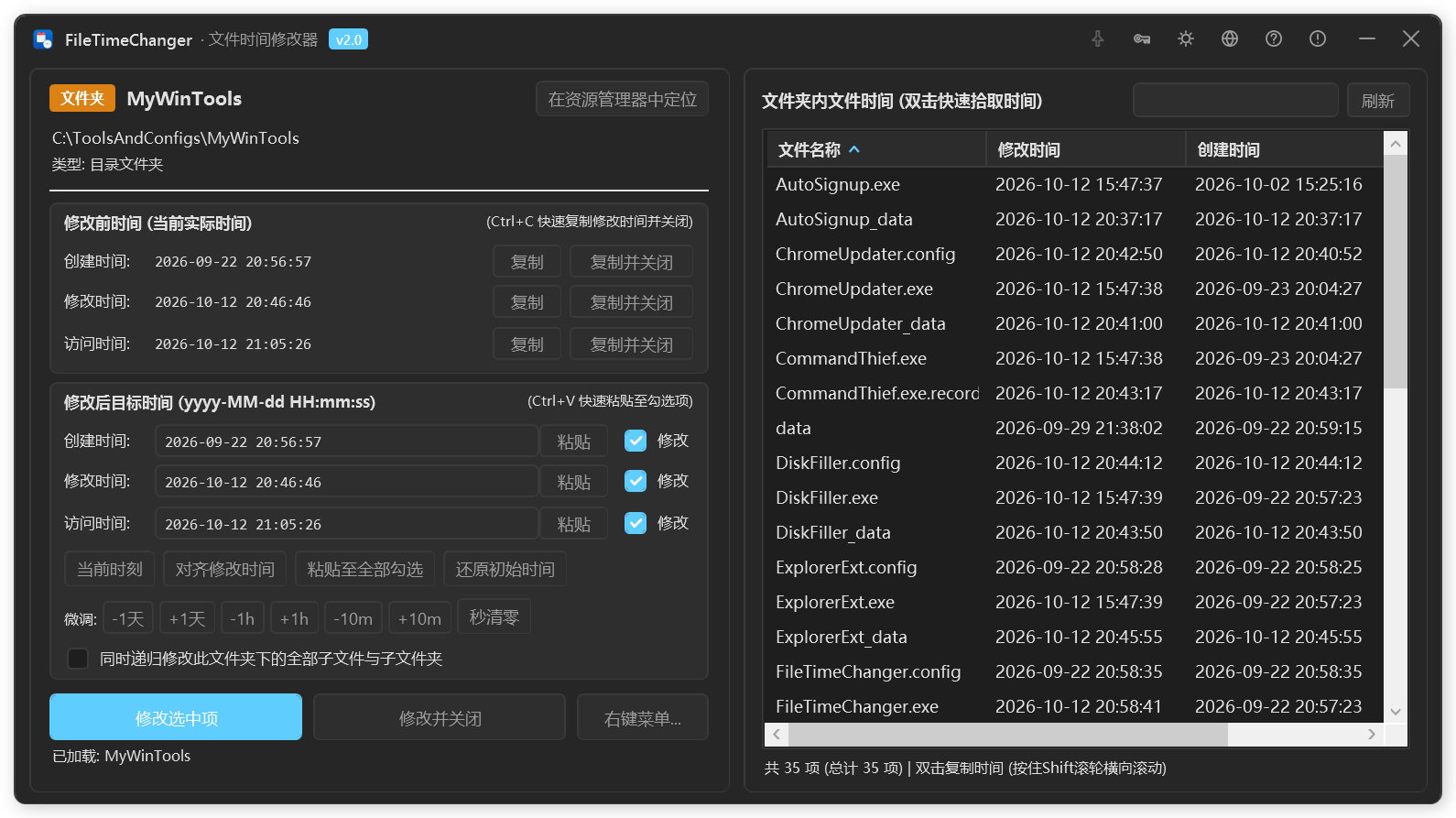
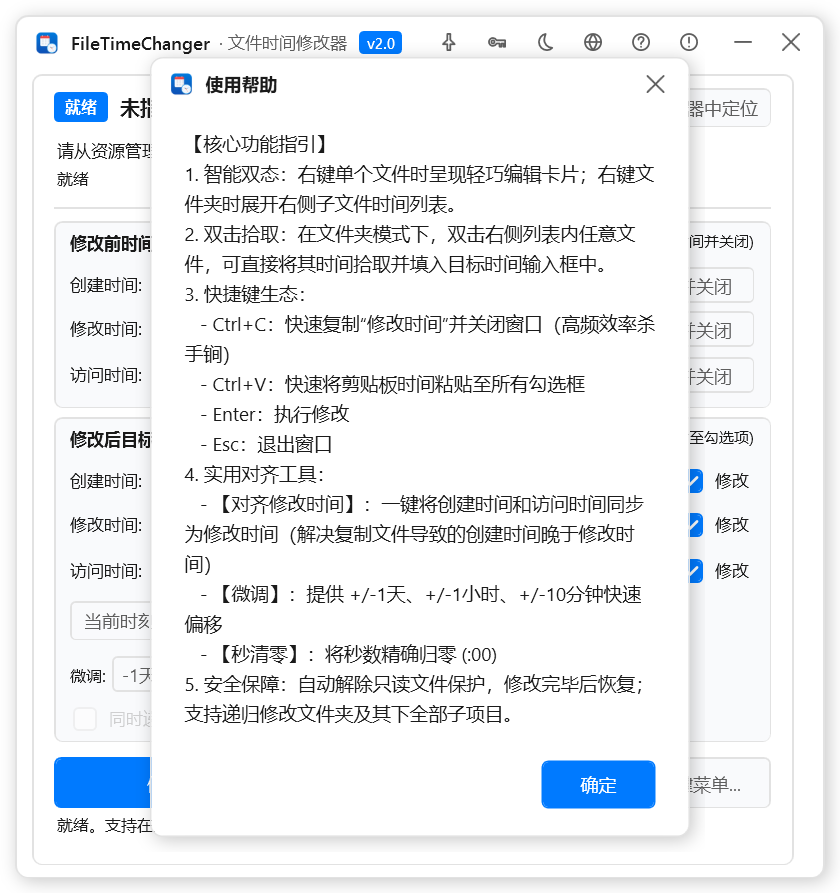
FileTimeChanger is an efficient and precise tool for editing file metadata. It supports both single files and recursive batch processing of entire directory trees, allowing you to accurately modify creation time, last modified time, and last access time. Professional features include time increment/decrement, cloning timestamps from a reference file, and changing file attributes such as read-only or hidden. It also integrates deeply with Windows Explorer's right-click context menu for quick access.
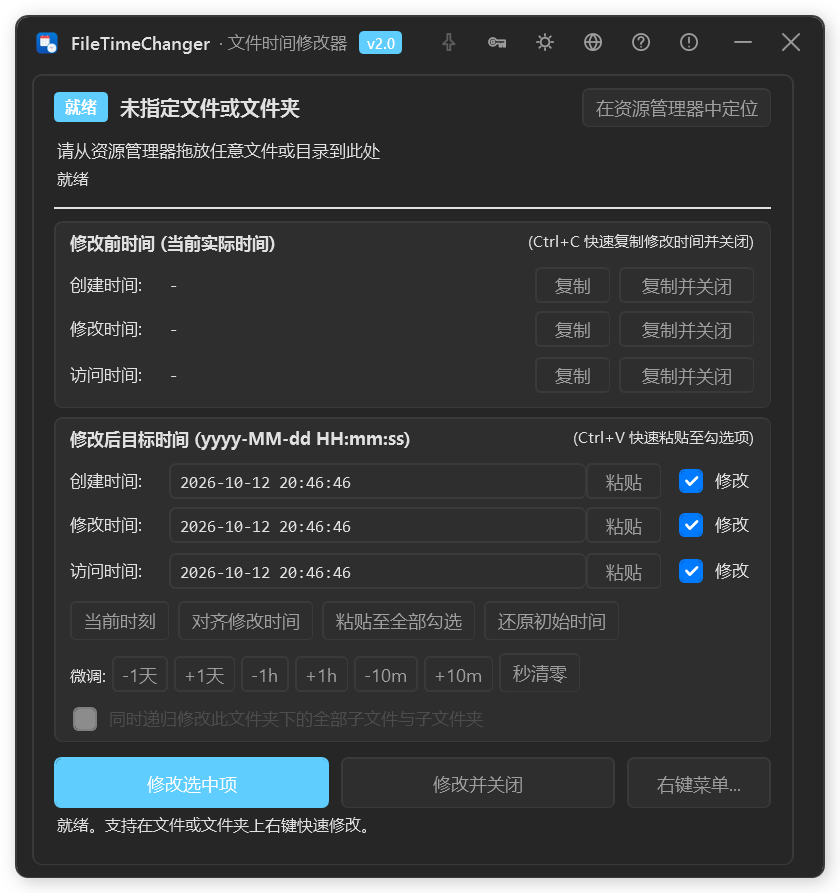
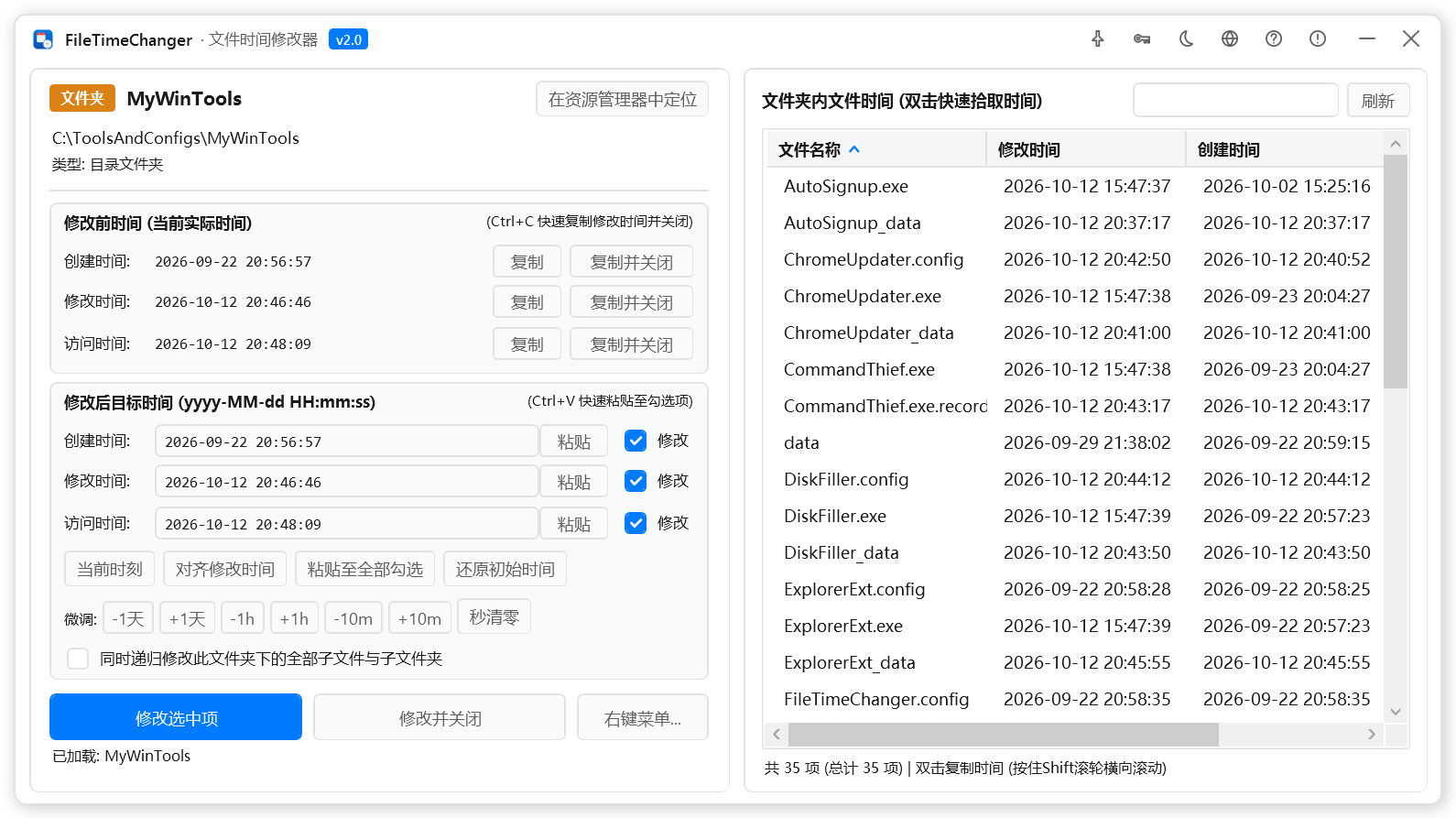
With its modern Fluent design and multi-language support, FileTimeChanger offers a seamless experience. It automatically adapts to dark or light mode and provides cascading context menu integration, making it easy to manage file timestamps directly from Explorer.
Changelog (v2.0.0)
• Upgraded to Fluent modern design with multi-language support
• Added adaptive dark/light mode and cascading right-click menu integration