Windows · Windows 工具
SuperIME
Automatically switch input methods per app, lock window focus, and prevent input blocking in full-screen games for seamless typing.
Version
v1.0.0
Size
0.5 MB
Supported OS
Windows 10 / 11
License
Commercial / Free Trial
Overview & Features
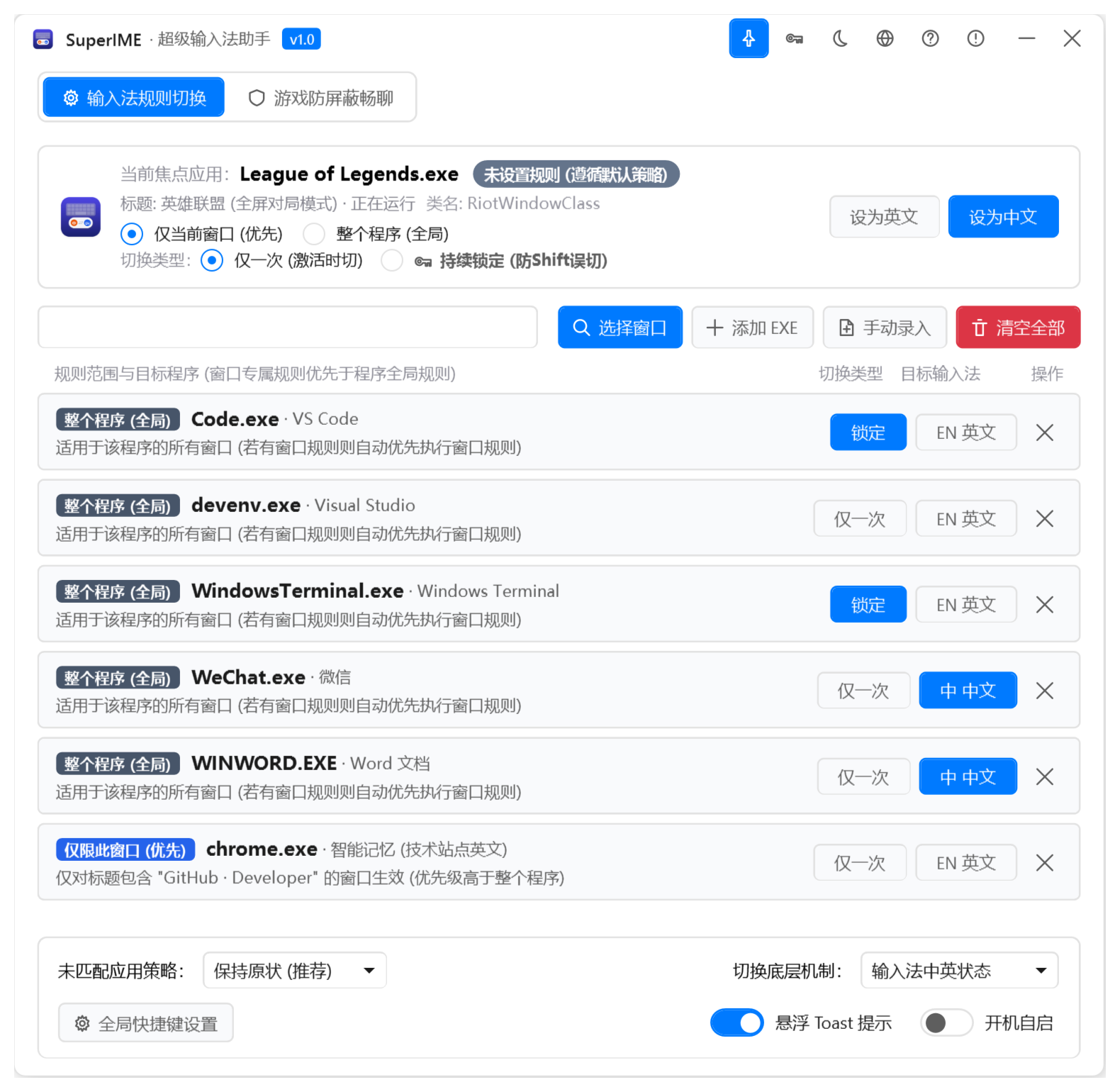
SuperIME is a powerful Windows utility that eliminates the frustration of manually switching between Chinese and English input methods when moving between different applications. It intelligently assigns input method states based on the active process—for example, locking English for VS Code or terminal windows, while defaulting to Chinese for WeChat or Word. This ensures you always have the right input method without extra keystrokes.
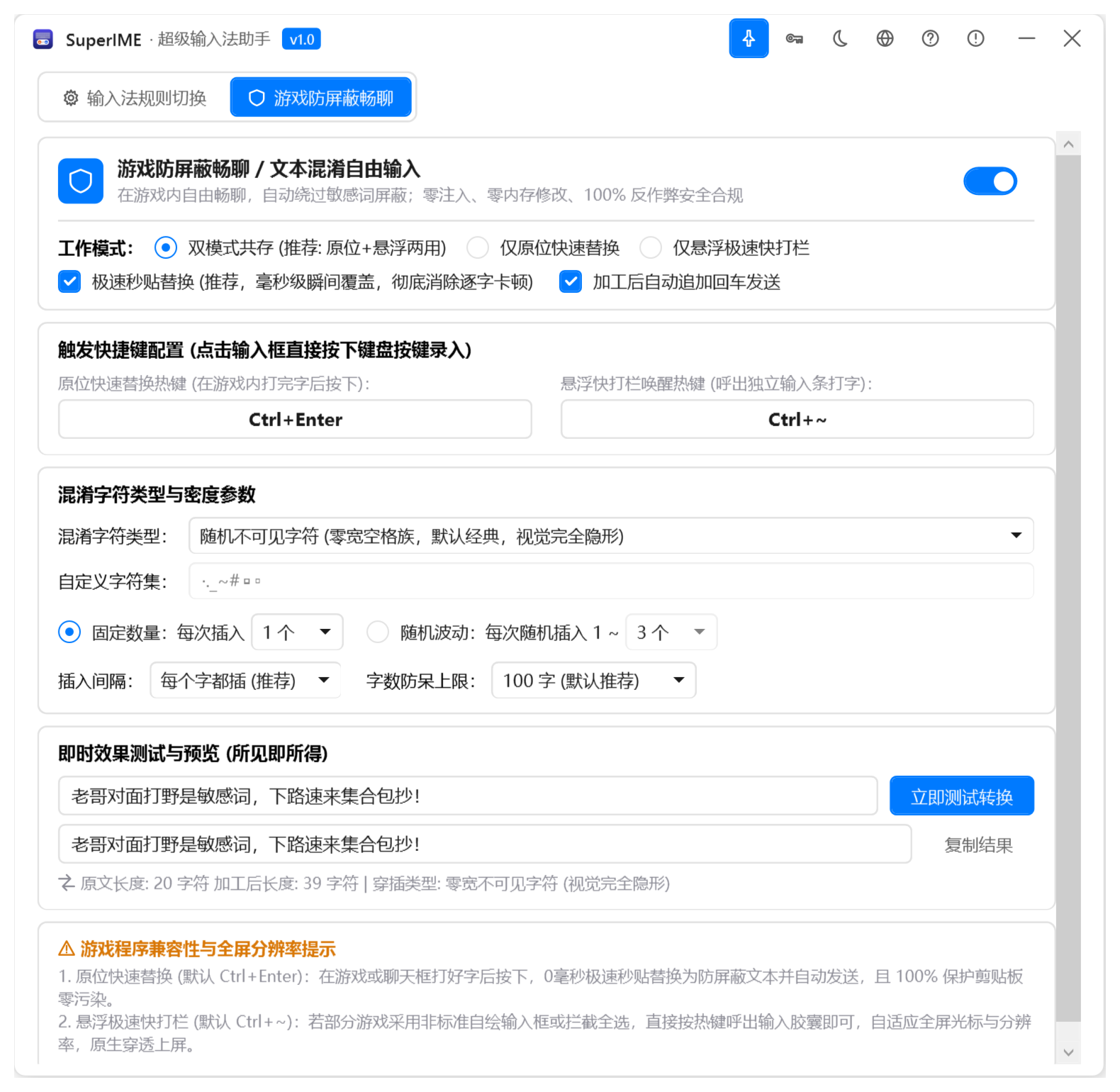
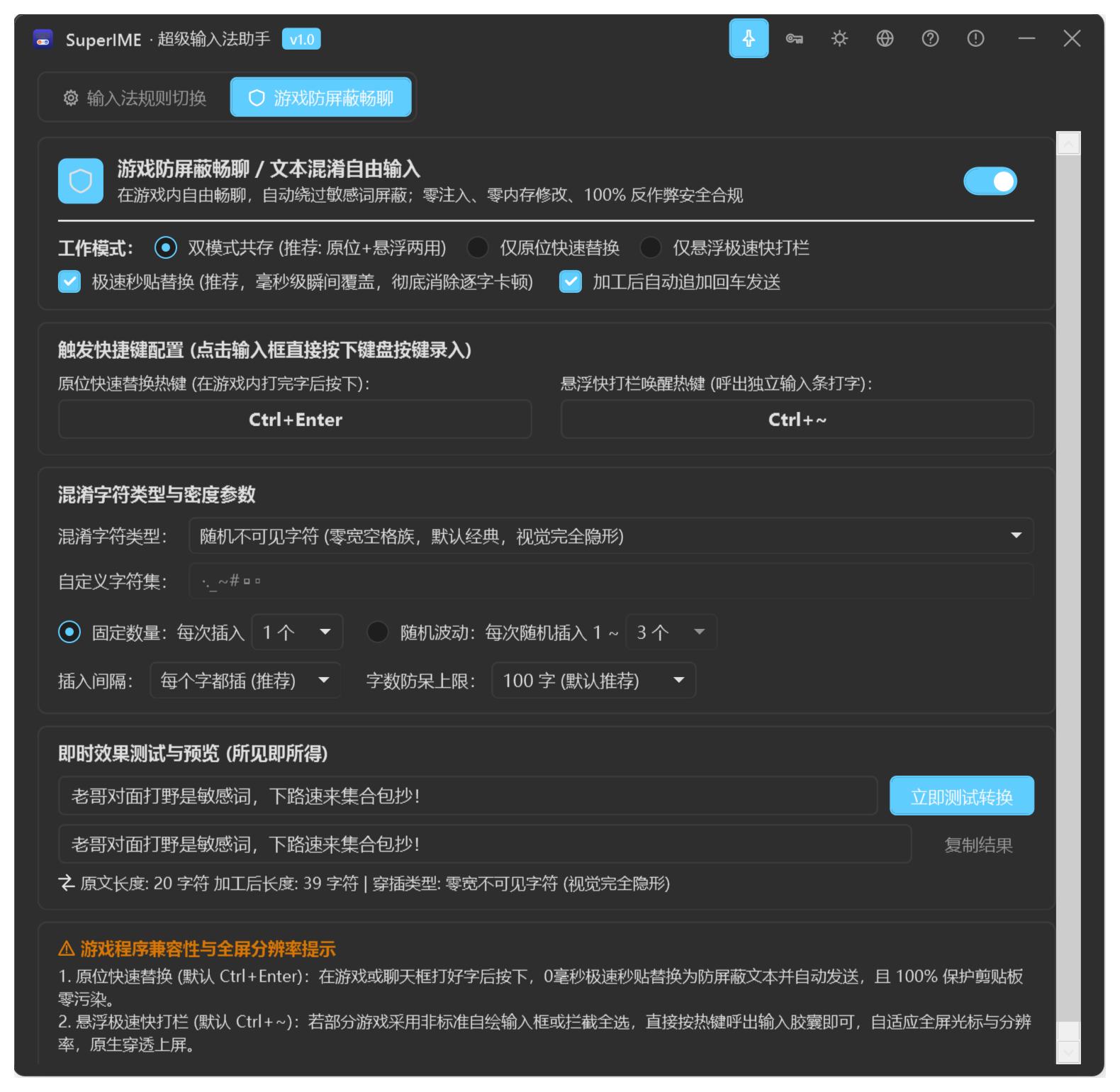
A standout feature is the innovative "Full-Screen Game Anti-Blocking Chat" mode. When you're in a full-screen game, SuperIME displays a floating capsule overlay that bypasses the game's input blocking, allowing you to chat seamlessly without the usual issues of swallowed characters, freezes, or conflicts. Whether you're gaming or working, SuperIME adapts to your workflow, boosting productivity and eliminating input method hassles.
Changelog (v1.0.0)
• Initial release with per-process input method intelligent locking
• Innovative game anti-blocking floating capsule chat and quick access